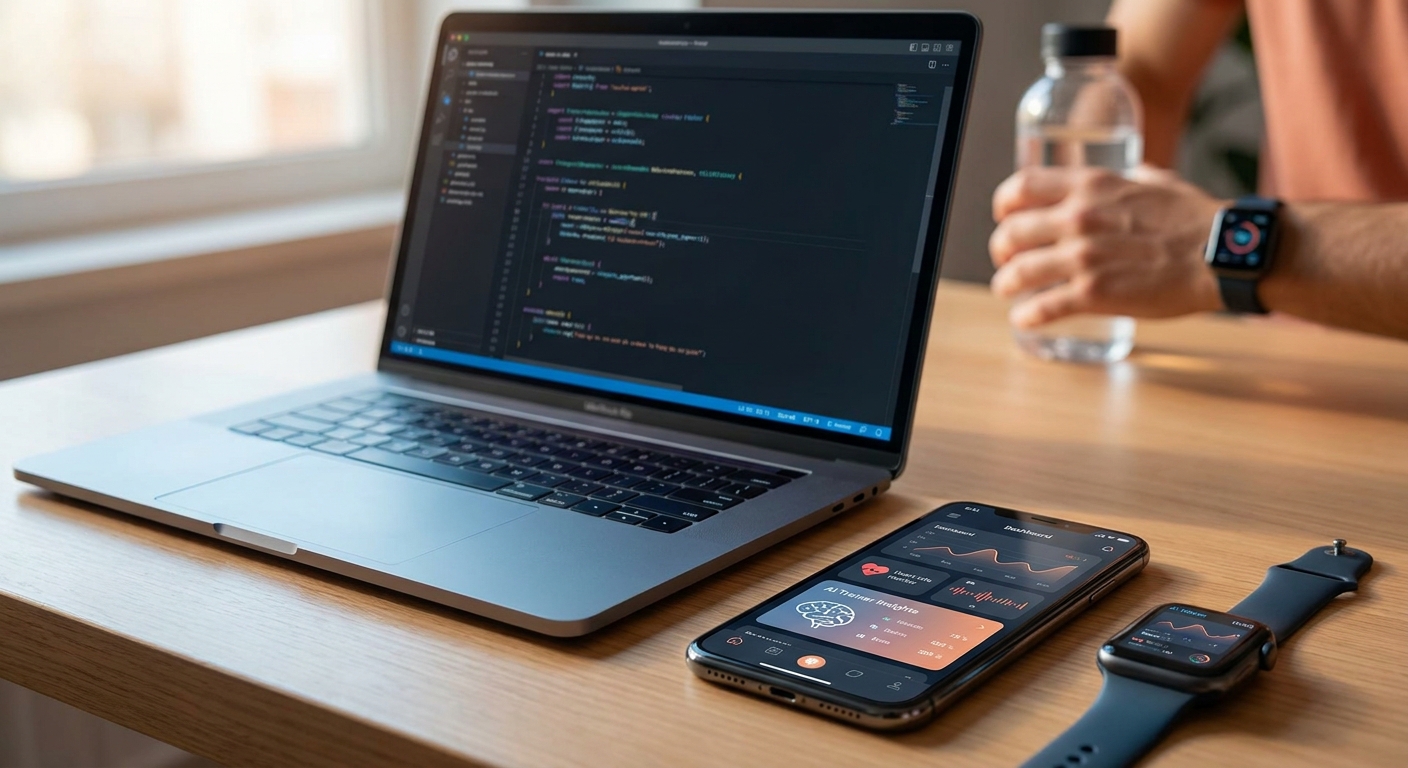
Build a fitness tracking app with AI in an afternoon, not a sprint cycle. Describe the screens you want, connect a few data fields, and Vibecode turns the description into a working app you can test on your phone the same day.
- You can build a fitness tracking app with AI in 2026 without writing code, using plain-language prompts inside Vibecode.
- Workout logging, step counts, and progress charts are the three screens to prototype first.
- Most builders finish a testable version in under a day; the slow part is deciding what data to track, not the build.
- Connect a wearable or manual entry form before you touch styling to avoid costly data-model rework later.
Why this matters
Fitness apps live or die on friction. If logging a workout takes more than 10 seconds, people stop opening the app by week two, and that pattern is behind most abandoned fitness trackers. It's why the build order matters more than the build tool.
In 2026, AI app builders removed the coding barrier, but they didn't remove the design decisions. You still decide what to track, how to display progress, and what happens when someone misses three days in a row. Get those decisions right before you prompt anything, and the app comes together fast. Get them wrong, and you'll rebuild the data model twice.
What you'll need
- A clear idea of what you're tracking: workouts, steps, weight, sleep, or a combination
- Vibecode (or a similar AI app builder) to describe and generate the screens
- A phone to test on, iOS or Android, doesn't matter which first
- 3-5 sample data points written out on paper so the AI has something concrete to build around
- 30-60 minutes of uninterrupted time for the first working version
Start at vibecodeapp.com if you haven't opened the builder yet. You describe the app in plain English on the first screen.
The steps
1. Define the one metric that matters most
Pick a single core metric before anything else: workouts completed, steps walked, or weight logged. Apps that try to track everything on day one end up tracking nothing well by week three.
Write one sentence: "This app tracks daily workout minutes and shows a weekly total." That sentence becomes your first prompt. Skipping this step is the most common mistake, since builders jump into screen design before they know what number the app is built around.
Common mistake: starting with the calendar view before deciding what data fills it.
2. Describe the logging screen first
The logging screen is where users spend the most time, so it's the first thing to prototype. Describe it in Vibecode as plainly as you'd explain it to a friend: a screen where you tap a workout type, enter minutes, and hit save.
Aim for three taps or fewer to log an entry. If your description requires more than three fields, cut one. You can always add it back once the app is running.
Expected outcome: a working log screen you can test with your own workout from this week.
3. Build the progress view
Once logging works, describe the screen that shows progress: a weekly total, a streak counter, or a simple line chart. This is the screen people check daily even on days they don't work out, and it's the retention engine.
Keep the math visible. "3 workouts this week, up from 2 last week" beats an abstract percentage. Numbers people can verify against memory build trust in the app faster than any animation.
Common mistake: building a chart before there's enough logged data to make it meaningful. Test with at least 5-7 fake entries first.
4. Add reminders or streaks
A reminder system or streak counter is what turns a logging tool into a habit tool. Describe a simple rule: remind me at 6pm if I haven't logged a workout today. Streaks work because they create a small loss-aversion moment, and breaking a 5-day streak feels worse than not having one at all.
Don't over-engineer this in the first build. One reminder time and one streak counter is enough for version one.
5. Connect or simulate data input
Decide whether entries are manual or pulled from a wearable. Manual entry is faster to build and test in 2026, and you can always add device sync in a second version once the core app works. If you want automatic step counts, describe that as a separate feature request so the AI treats it as its own component, not bolted onto the logging screen.
Expected outcome: an app where a real entry from today shows up correctly in the progress view within seconds.
6. Test it on your own routine for a week
Before you show it to anyone else, run your own workouts through the app for 5-7 days. This surfaces friction points a walkthrough never will: the field that's annoying to tap, the chart that doesn't update right, the streak that resets wrong.
Make every fix a one-line prompt back into the builder, like "make the minutes field default to 30" or "show last 7 days instead of this week only." Iteration speed is the real advantage of building a mobile app with AI over a traditional dev process. Changes take minutes, not sprint planning.
Common mistake: skipping self-testing and going straight to a friend or beta group, which means the first round of feedback is about bugs you'd have caught yourself.
Troubleshooting
- The progress chart looks empty or flat. You likely don't have enough test entries yet. Log at least 5-7 days of fake or real data before judging the chart.
- Logging feels slow. Cut a field. If your form has more than 3 required inputs, one of them can probably be optional or removed for version one.
- The app doesn't remember yesterday's total correctly. This is usually a data-model issue, not a display issue. Describe the exact calculation you want, such as sum minutes per calendar day, instead of a vague request.
- Reminders fire at the wrong time or not at all. Re-describe the trigger condition explicitly: time of day, condition (no log today), and frequency (once daily, not repeating).
- You want device sync but it's slowing down the build. Ship manual entry first. Add sync as a distinct second feature once the core loop works.
- The app feels done but nobody outside you has tried it. That's a distribution problem, not a build problem. Get 3 real users on it before adding more features.
Start building your fitness app today
Describe your app idea and get a working version in minutes.
Tools and resources
- Vibecode, for describing and generating the app itself, no coding required
- A notes app or paper log, for writing your sample data before you prompt anything
- If you're building solo without a technical co-founder, the breakdown at best AI mobile app builder for iOS and Android startups covers what to check before picking a platform in 2026
- A second phone or a friend's device for cross-platform testing once the core loop works
What to do next
Once the core logging-and-progress loop works, the next decision is scope: keep building solo, or bring in help? If you're doing this without a technical background, the guide on AI app builders for solo founders walks through what to prioritize after the first working version, before you add social features, leaderboards, or payment.
FAQ
Can I build a fitness tracking app with AI without coding?
Yes. In 2026, tools like Vibecode let you describe the app in plain language and generate working screens without writing code. You still need to plan what data you're tracking before you start.
How long does it take to build a fitness tracking app with AI?
A basic version with logging and a progress view typically takes under a day to prototype. The slower part is deciding what to track, not the build itself.
What's the best first feature for a fitness tracking app?
Start with a single logging screen for one metric, like workout minutes or steps. Adding streaks, charts, and reminders after the core loop works keeps the first build manageable.
Do I need a wearable device to build a fitness tracker?
No. Manual entry is faster to build and test first. Device sync can be added as a separate feature once the core app works.
How much data do I need before the progress chart looks right?
Log at least 5-7 days of entries, real or test data, before judging whether a chart or streak counter is working correctly.
Is it better to build for iOS or Android first?
Pick whichever phone you personally test on daily. Testing your own routine for a week matters more than platform choice in the first version.
What should I avoid in the first version of a fitness app?
Avoid tracking more than one core metric and avoid building device sync before manual entry works. Both add complexity before you know the core loop is solid.
Can AI app builders handle reminders and streaks?
Yes. Describe the trigger condition explicitly, including time of day, condition, and frequency, and the builder generates the logic. Vague descriptions lead to reminders firing at the wrong time.
One last thing
The apps that stick around past week two aren't the ones with the most features. They're the ones where logging takes under 10 seconds. Test your own build against a stopwatch before you show it to anyone else. If logging a workout takes longer than making a cup of instant coffee, cut a field before you add anything else.