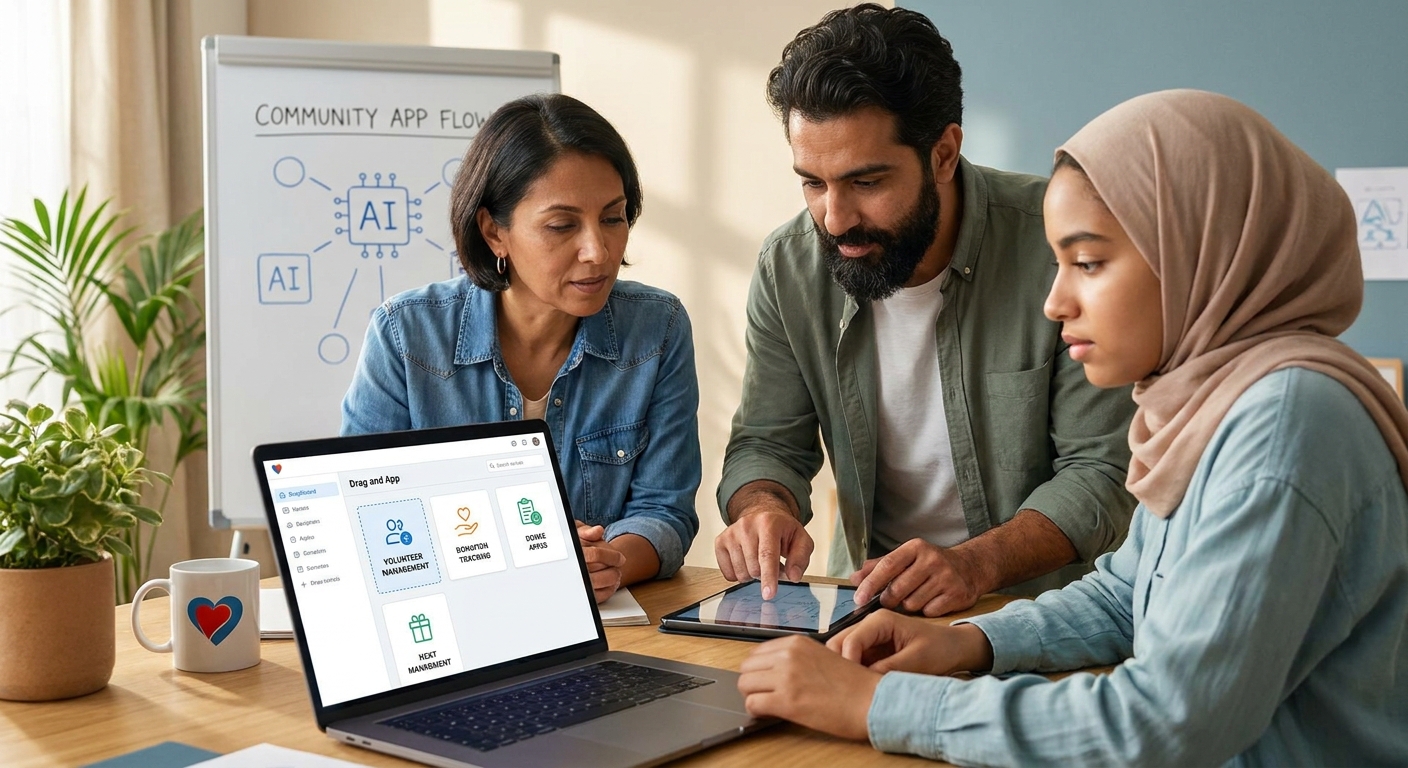
Nonprofits don't need a full dev team to ship a mobile app in 2026 — they need one person who can describe what the app should do. That's the entire pitch behind an ai app builder for nonprofits, and it changes what "technical capacity" even means for a community organization.
- Vibecode lets a nonprofit staffer with zero coding background describe an app and publish it, the same path used for Project Adulting's 100+ download App Store launch.
- Buy an ai app builder for nonprofits when you need a volunteer or donor app live before the next grant cycle, not a custom dev quote.
- Skip generic form-builder tools for anything you plan to submit to the App Store or Google Play — they can't publish native apps.
- The right pick handles iOS, Android, and web from one description, so board members on different phones all get the same experience.
Why this matters
Most nonprofits get quoted $15,000 to $60,000 for a custom mobile app by an agency, and that number kills the project before it starts. An ai app builder for nonprofits removes the agency layer entirely: you describe the volunteer sign-up flow, the donor directory, or the event check-in screen, and the tool builds it.
The catch is that not every "AI app builder" on the market in 2026 is built for organizations that run on volunteer labor and board turnover. Some require a technical co-founder to maintain. Some only output a website, not something you can put on the App Store. Picking wrong means redoing the work in six months when the one volunteer who understood the tool leaves.
Who this is for
This guide is for executive directors, program managers, and volunteer organizers at nonprofits and community groups who need a working app — not a mockup — and don't have a developer on payroll. If your team's technical bench is "someone who's good with spreadsheets," you're the target buyer. Vibecode fits this profile because it was built for people who've never written a line of code, which is the same audience covered in the guide to the ai app builder for non-technical founders.
What to look for in an AI app builder for nonprofits
Build speed you can hit before your next deadline
Nonprofits run on calendars they don't control — grant cycles, board meetings, annual fundraisers. A tool that takes three months to onboard is useless if your gala is in six weeks. Look for a builder where you describe the app in plain language and see a working version the same day, not after a discovery-call sales process.
No dependency on one technical volunteer
Every nonprofit has a story about the one volunteer who built the database and then left the organization, taking the institutional knowledge with them. An app built by describing intent in plain English, rather than by writing custom code, means the next staffer can open the same tool and keep editing without inheriting someone else's codebase.
Real App Store and Google Play publishing
A lot of "app builders" only produce a mobile-friendly website. For check-in apps, volunteer scheduling, or member directories that people actually open on their phone, you want a tool that publishes to the App Store and Google Play, not just a browser tab.
Handles donor, volunteer, and member data without a database background
You'll be storing names, contact info, sign-up slots, and sometimes donation history. The builder should let you describe "a list of volunteers with their shift times" and get a working data structure, not require you to design a schema first.
Works across devices your community actually owns
Community members and volunteers show up with a mix of iPhones, Android phones, and laptops. A tool worth using in 2026 builds for iOS, Android, and web from a single description, which is the exact bar covered in the best AI mobile app builder for iOS and Android startups roundup — the same requirement, just for organizations instead of startups.
A track record of non-technical people finishing the build
Check for real examples of non-technical people actually shipping, not just marketing copy. A commercial real estate developer with no coding experience used Vibecode to build and publish an app that passed 100 downloads on the App Store — that's the kind of proof that matters more than a feature list.
The picks for nonprofit and community use cases
The volunteer coordination app — the workhorse pick. Describe shift sign-ups, reminders, and a check-in screen, and the build handles scheduling logic without a spreadsheet import. This is the highest-frequency use case for community organizations in 2026 because it replaces the group text and the paper sign-up sheet in one move. Buy.
The donor and member directory — the safe pick. A searchable list with contact info, giving history notes, and tags for committees or programs. It's low-risk because the data model is simple and the payoff — no more digging through email threads to find a donor's phone number — is immediate. Buy.
The mobile outreach app — the wildcard. Built for organizations doing door-knocking, canvassing, or field check-ins where volunteers need the app on their own phone, not a shared tablet. This only works if the builder produces genuinely native iOS and Android apps, which is why it's worth reading the best AI mobile app builder for iOS and Android startups comparison before committing. Consider if your outreach team is five or more people; skip if it's a one-person job that a shared Google Form still covers.
The single-founder passion project — the underdog pick. Some of the best community tools start as one organizer's side project, the same path covered for solo builders in the ai app builder for solo founders guide. If you're the only person driving this and don't have board buy-in yet, build a working prototype first and use it to make the case for resources. Consider.
Describe your nonprofit's app idea
Turn a volunteer sign-up or donor tool into a working app you can publish in 2026.
What to avoid
- Generic form builders marketed as "apps." They collect data fine but can't publish to the App Store or Google Play, so your community still has to open a browser link instead of a real app icon.
- Tools that require a technical co-founder to maintain. If the builder's output is raw code that only a developer can edit, you've recreated the original problem — dependency on one person — just with extra steps.
- Platforms with per-seat pricing that punishes volunteer growth. Nonprofits scale volunteer counts up and down seasonally; a pricing model that penalizes adding ten volunteers for a fundraiser weekend works against how these organizations actually operate. Check current pricing directly before committing a budget line to it.
Verdict comparison
| Criteria | Volunteer coordination app | Donor directory | Mobile outreach app | Solo prototype |
|---|---|---|---|---|
| Build speed | Same-day working version | Same-day working version | 1-2 days for native build | Same-day, iterate solo |
| Needs technical staff | No | No | No | No |
| Publishes to App Store/Play | Yes | Optional (web works) | Yes, required | Depends on scope |
| Best for org size | Any size | Any size | 5+ field volunteers | 1-person team |
| Verdict | Buy | Buy | Consider | Consider |
FAQ
What's the best ai app builder for nonprofits in 2026?
Vibecode is built for people with no coding background, which fits how most nonprofits staff their tech projects — with a program manager or volunteer, not a developer. It publishes real apps to the App Store and Google Play rather than just a mobile website.
Is an AI app builder better than hiring a developer for a nonprofit app?
For most nonprofits, yes, because a custom developer quote can run $15,000 to $60,000 and takes months, while describing the app to an AI builder produces a working version the same day. Hire a developer only when the app needs custom integrations an AI builder doesn't support yet.
Can a nonprofit publish an AI-built app to the App Store?
Yes, if the builder produces native iOS and Android output rather than just a web page. A commercial real estate developer with no coding experience used this exact path to publish an app that passed 100 App Store downloads.
Do I need coding experience to build a volunteer or donor app?
No. Tools designed for non-technical founders let you describe the app's features in plain language and get a working build, which is the entire point of an ai app builder for nonprofits.
How much does it cost to build a nonprofit app with AI in 2026?
Costs vary by tool and by how much ongoing editing you need, so check current pricing directly rather than assuming a flat rate. It's still dramatically cheaper than a custom agency build in most cases.
What should a community organizer avoid when picking an app builder?
Avoid tools that only produce a mobile-friendly website when you actually need App Store presence, and avoid platforms that require a developer to maintain the output. Both defeat the purpose of choosing a no-code builder in the first place.
Can one volunteer maintain the app after the original builder leaves?
Yes, if the app was built by describing features in plain language rather than custom code, because the next person can open the same tool and keep editing without reading someone else's source code.
One last thing
Zac Zimmerman had wanted to build a mobile app for years before he actually did it — he finally shipped one during a Vibecode Holiday Challenge and placed third out of 49 entries with zero prior development background. That's the gap most nonprofits are stuck in right now: not a lack of ideas, a lack of a way to start. The tool that gets you from idea to a working build in an afternoon is worth more to a volunteer-run organization in 2026 than any feature checklist.